How to Switch/SWP? (Mutual Fund Scheme Switch / Set up a Systematic Withdrawal Plan)
-
Login to Mutual Funds using Neo app
-
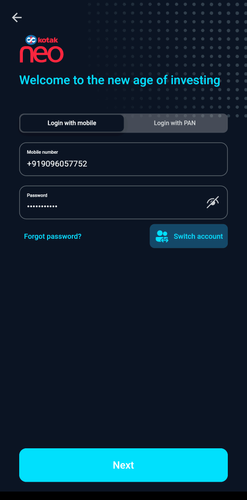
Enter registered Phone number and password
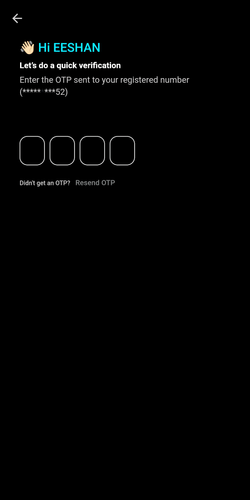
- Enter OTP sent to registered number
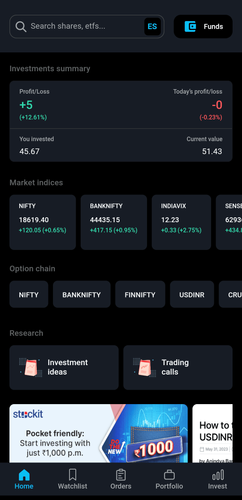
- After logging in, click on Invest from the bottom bar
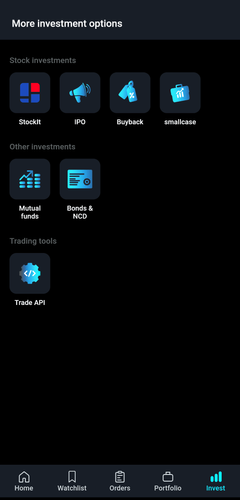
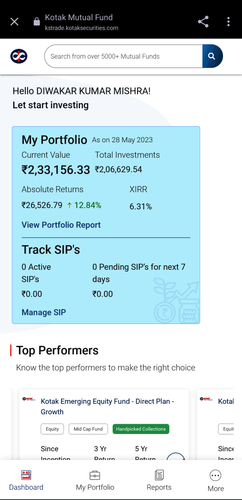
- Under Other Investments, select Mutual Funds
-
Enter My Portfolio
-
Click on 3 dots of the scheme you want to Switch or setup SWP
-
Enter Switch/ SWP option
-
To Switch, search for the scheme you want to Switch to within the same AMC
-
Enter the amount or number of units you want to Switch, accept T&C and click on Place Order
-
To register for SWP, select SWP at the top and enter the units amount or units to register for SWP.
-
Enter the number of installment, select start date, accept T&C and click on Place Order
-
Login to Mutual Funds using Neo website
-
Enter registered Phone number and password
-
Enter OTP sent to registered number
-
After logging in, click on Invest
-
Under Other Investments, select Mutual Funds
-
Enter My Portfolio
-
Click on 3 dots for the scheme you want to Switch or setup SWP
-
Enter Switch/ SWP option
-
To Switch, search for the scheme you want to Switch to within the same AMC
-
Enter the amount or number of units you want to Switch, accept T&C and click on Place Order
11 To register for SWP, select SWP at the top and enter the units amount or units to register for SWP.
- Enter the number of installment, select start date, accept T&C and click on Place Order
-
Login to Mutual Funds using KST app
-
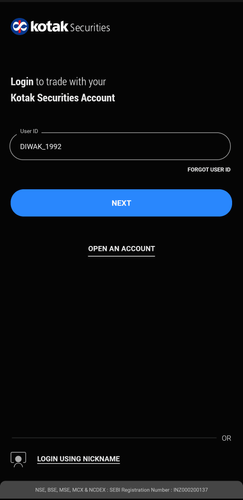
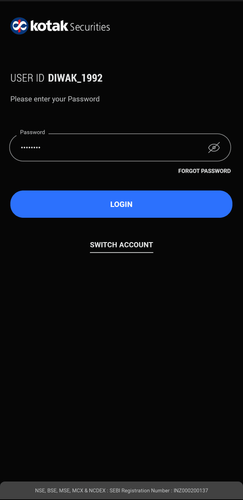
Enter User ID and password
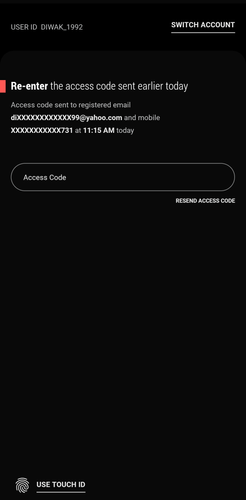
- Enter access code to login
- After logging in, click on More from the bottom bar
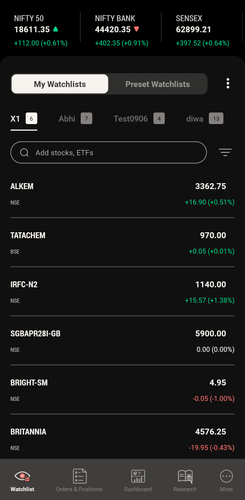
- Scroll down to view Core Investments
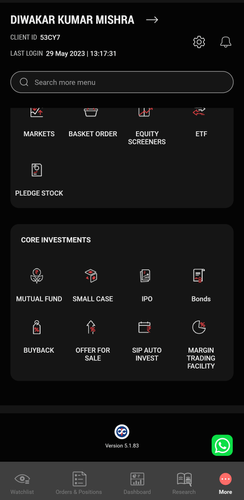
- Select Mutual funds
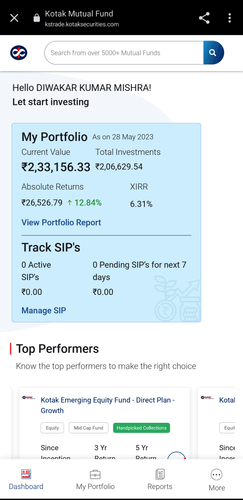
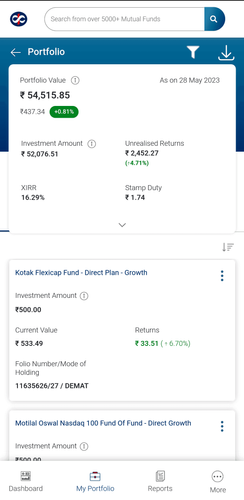
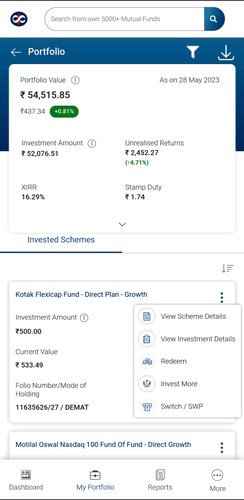
- Enter My Portfolio
-
Click on three dots for the scheme you want to Switch or setup SWP
-
Enter Switch/ SWP option
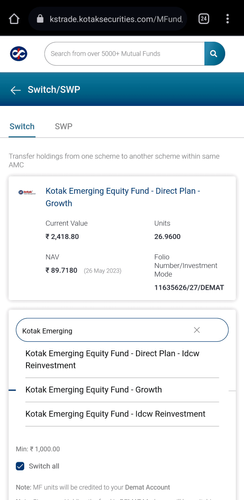
- To Switch, search for the scheme you want to Switch to within the same AMC
-
Enter the amount or number of units you want to Switch, accept T&C and click on Place Order
-
To register for SWP, select SWP at the top and enter the units amount or units to register for SWP.
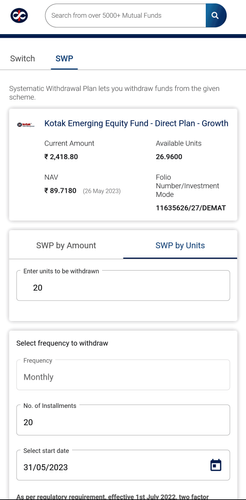
- Enter the number of installment, select start date, accept T&C and click on Place Order
-
Login to Mutual Funds using Kotak Securities website
-
Enter User ID and password
-
Enter access code to login
-
After logging in, click on More
-
Scroll down to view Core Investments
-
Select Mutual fund
-
Enter My Portfolio
-
Click on options (3 dots) of the scheme you want to Switch or setup SWP
-
Enter Switch/ SWP option
-
To Switch, search for the scheme you want to Switch to within the same AMC
-
Enter the amount or number of units you want to Switch, accept T&C and click on Place Order
-
To register for SWP, select SWP at the top and enter the units amount or units to register for SWP.
-
Enter the number of installment, select start date, accept T&C and click on Place Order