Products
Platform
Research
Market
Learn
How do I change the background colors in marketwatch or other screens?
To change the background colour for your market watch or other screens in Nest,
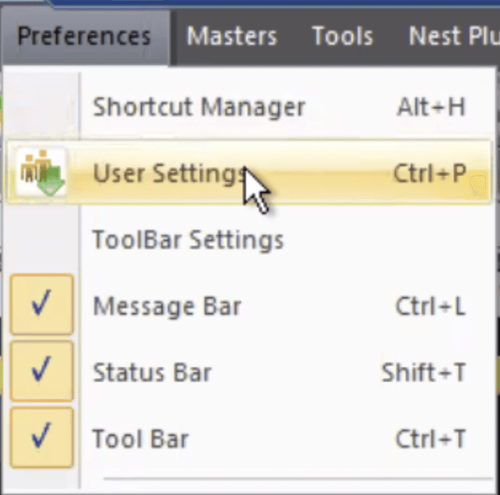
- Select the “Preferences” tab
- Click on User Settings
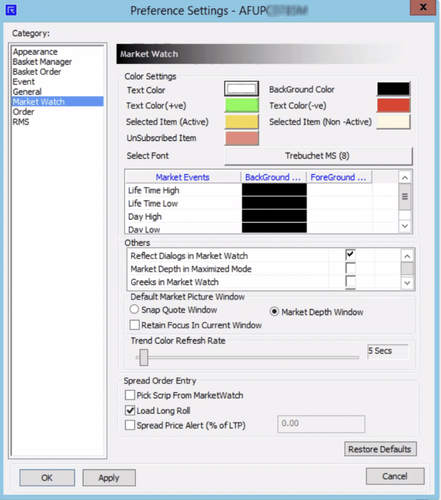
- Select market watch or the screen you'd like to change
- Set your preferred background color
- Click Apply
- Click OK.
This feature is not allowed for this platform.
Open Demat Account
Open Demat Account