How does SIP instalment work?
In case you have a Kotak Trinity account (3-in-1 account),
-
The funds for your SIP instalment will be automatically transferred from your linked bank account into your trading account on the SIP due date (known as the auto-debit facility) and the orders will be placed.
-
If the bank account does not have sufficient balance, but there is sufficient ledger balance available, the orders shall go through successfully
-
The bank account will be debited even if there’s a ledger balance which is greater than the SIP amount.
-
SIP instalment orders will be processed only after clearing all pending debits
-
Please take note, since the orders are placed after transfer of funds (auto-debit), there might be a difference in the fund transfer amount and the actual traded value.
In case you have a trading account which is NOT a Trinity Account,
The orders will be placed if there is sufficient margin available on the SIP due date, given all pending debits are cleared
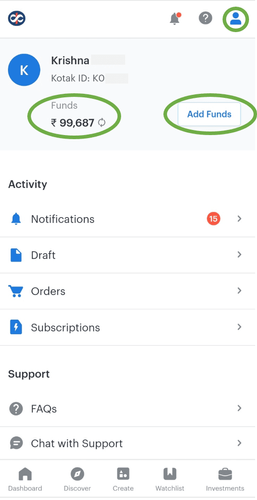
To Add funds,
- Go to add funds by clicking on the profile icon
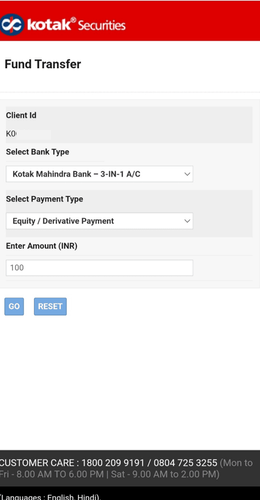
- Select the Bank Type, Payment Type and enter the amount.
- Click on Go
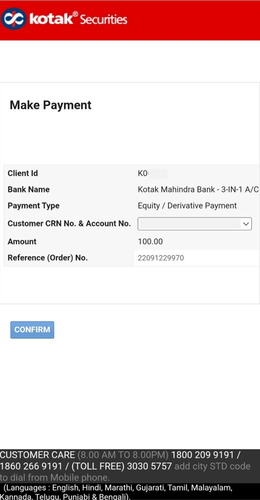
- Add your Customer Number or Account Number
- Click on confirm