How can I go to the Funds section to add funds to my account?
You can make a fund transfer by using Netbanking, UPI, Kotak's Direct Access or via IMPS/NEFT/RTGS.
To transfer funds,
-
Go to the funds section from home screen and click on the deposit button
-
Enter the amount you would like to deposit
-
Select a payment method such as netbanking, UPI, Direct Access or IMPS/NEFT/RTGS
Here's a video explaining how you can transfer funds in the Kotak Neo mobile app -
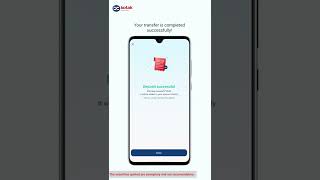
How to add funds using UPI on the Kotak Neo app
1m 04s
For UPI transfer -
-
Enter the UPI ID of your linked bank account
-
Validate the live payment request received from Kotak Securities in your UPI app
- Go to the More section in the menu bar given below

-
Scroll to Trading
-
Click on Funds

- This section will enable you to add or withdraw funds on the Kotak Stock Trader Mobile Application
This feature is not allowed for this platform.
Open Demat Account
Open Demat Account